THE POSITIVESINGLES APP
PositiveSingles app.
Connection on
your phone.
Explore the herpes and STI dating app through official download links. Check availability for your device and Indian app-store account before installing.
Choose iOS or AndroidAlready a member? Log in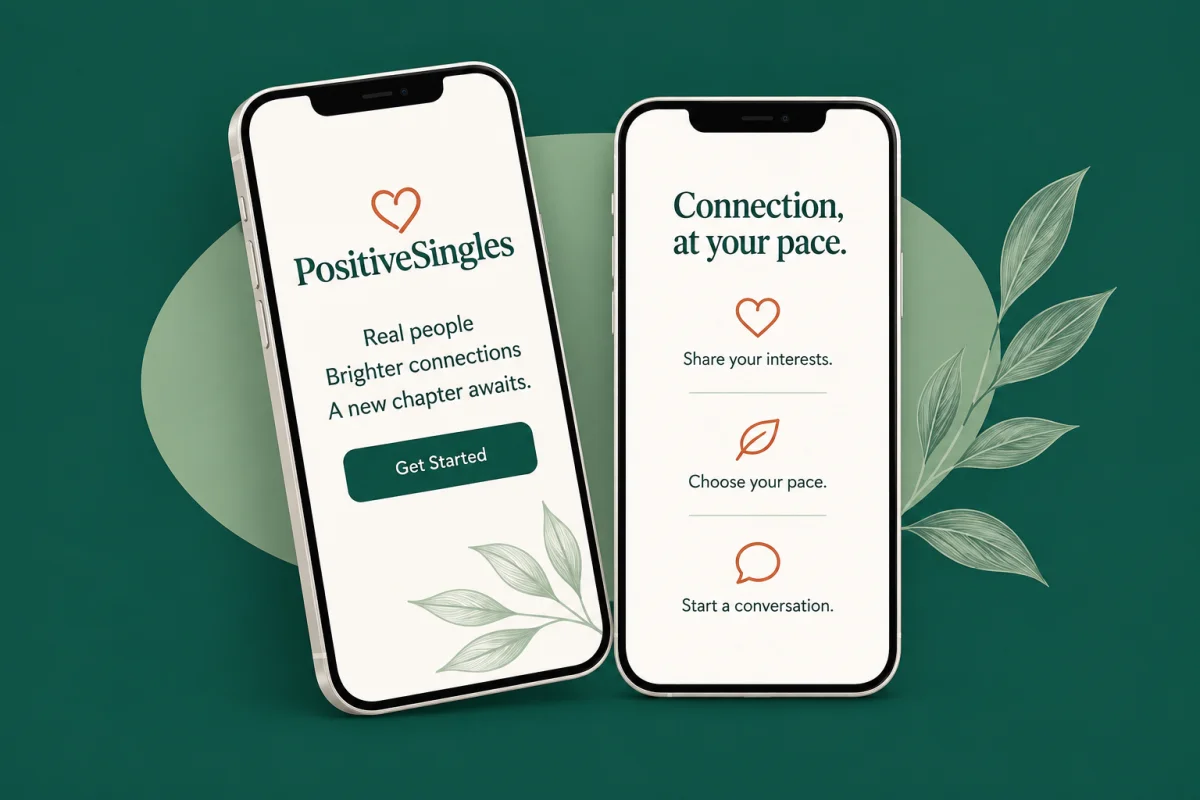
CHOOSE YOUR DEVICE
PositiveSingles for iOS
and Android.
Two download routes. One place to begin a conversation about the things you have in common.
iOS FOR IPHONE
Your next conversation,
on your iPhone.
Find Positive Singles: Herpes Date on the App Store. Browse the listing, check compatibility with your iPhone and review the privacy information before installing.
- Open the App Store listing below.
- Check the developer and the requirements shown for your device.
- Install, then sign in or follow the registration steps.
Your Apple Account region determines local availability and purchase options. Check the store listing before downloading.
Android ON GOOGLE PLAY
Make time to connect,
on your Android phone.
Find Positive Singles: Herpes Date on Google Play. Check the device compatibility, app permissions and Data safety information before choosing to install.
- Open the Google Play listing below.
- Confirm the app is from PositiveSingles.com.
- Install through the store and review your notification settings.
Availability depends on your Google Play country and device. Avoid installation files sent by strangers.
Can’t find the app in your Indian store? Check official PositiveSingles mobile options or ask member support. You can also visit the main website in your phone’s browser.
Before you download,
make it yours.
Your phone settings and purchase choices matter just as much as your profile.

Start with the right account
If you already registered on the website, try that account before creating another profile. If a purchase is missing, keep the receipt and ask support to check it before paying twice.
Check every screen that can show a message
Review dating and email previews on your lock screen, paired watch and shared tablet. A private profile does not hide a notification from somebody borrowing your phone.
Decide what your profile should reveal
Before adding photos, inspect backgrounds for work badges and house names. Introduce hobbies and your broad city; leave out your address, daily route and medical paperwork.
FREE AND PREMIUM MEMBERSHIP
Browse first.
Choose more when you need it.
The key difference: a free account lets you reply to messages; Premium lets you start private conversations.
FREE ACCOUNT
Register, browse and reply
- Create an account and complete your profile.
- View and browse profiles.
- Reply to messages you receive.
- Use the basic features available in your account.
A free account is a way to explore the community before deciding whether you need more communication or discovery tools.
Create a free accountPREMIUM
Start conversations and refine your search
Initiate private messages, use advanced discovery and manage more of your visibility and conversations. Browse the feature groups below to see what matters to you.
Find people with more in common
- Advanced discovery filters, including distance and the “Living With” filter
- See who likes you and who has viewed your profile
- Priority recommendations and access to new members
- Curated daily matches, expired-match reconnection and profile rewinds
- Reset passes in Flame, the profile-discovery feature
Start and organise conversations
- Start unlimited private messages
- Video and voice chat with phone-number masking, plus voice messages
- Personalised greeting cards, customised winks and unlimited winks
- Auto-reply messages, message search and pinned chats
- Save profiles to return to later
Control visibility and contact
- Choose who can see you and use on-demand invisibility
- Hide selected profiles from search and change your username
- Prevent incoming video and voice calls
- View-once photos and custom photo albums
Express your interests
- Create a date event and receive requests to join
- Start an interest group or mini-community
- Additional Drift Bottles, a conversation-discovery feature
- More profile exposure, chat wallpapers, exclusive emojis and animated winks
Support and browsing
- Live support, dating advice and safety information
- An ad-free experience
Feature summary supplied by PositiveSingles for this India website. Check the current plan, device availability, billing currency and renewal terms before buying. Privacy tools cannot prevent every screenshot or disclosure; neither membership nor Matchmaker guarantees a date or relationship. Live support is not an emergency service.
BEFORE YOU INSTALL
PositiveSingles app FAQs.
Downloads, sign-in and subscriptions: a few details worth knowing before you begin.
More PositiveSingles questionsDoes PositiveSingles have both an iOS and Android app?
Yes. PositiveSingles has listings on Apple’s App Store and Google Play. Use the device-specific links above to check the current release, supported devices and availability for your store account.
Can I download the PositiveSingles app in India?
Check the listing using your own Indian app-store account. A public store page does not confirm that every device or region can install the app. If it is unavailable, use the official mobile website or contact support; do not change your region just to bypass a restriction.
Is the PositiveSingles app free?
The store listings offer a free download with in-app purchases. Downloading the app does not unlock all membership features. Check the features, currency, price and renewal terms displayed for your account before buying a subscription.
What should I do if I already have a PositiveSingles account?
Start with the app’s sign-in option rather than creating another profile. If you cannot access your account or do not see a purchase you expected, contact member support before paying again. Never share your password or one-time sign-in code in a message.
How do I manage or cancel an app subscription?
Use the service that billed you. For an Apple purchase, open Settings, tap your name and then Subscriptions. For a Google Play purchase, open your subscriptions in Google Play. Follow Apple’s cancellation instructions or Google Play’s subscription guidance. For a website purchase, contact PositiveSingles support. Uninstalling the app is not a cancellation request.
How can I keep dating notifications private?
Review message previews on your lock screen and on any paired watch or shared device. Check the app permissions and the privacy controls available in your account. Our dating profile privacy guide explains how photos, messages and linked accounts can reveal personal information. No setting guarantees anonymity.
A little more ready?
Explore the community when the time feels right for you.